 |
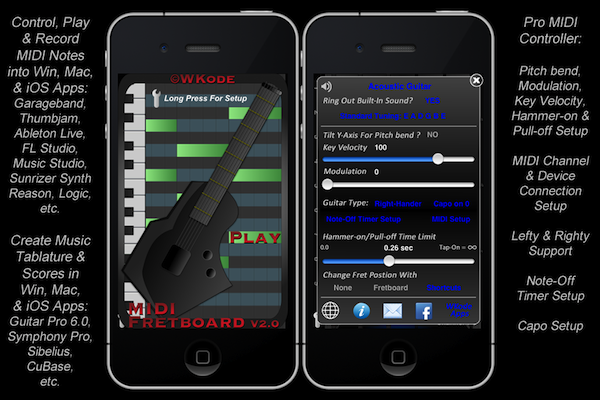
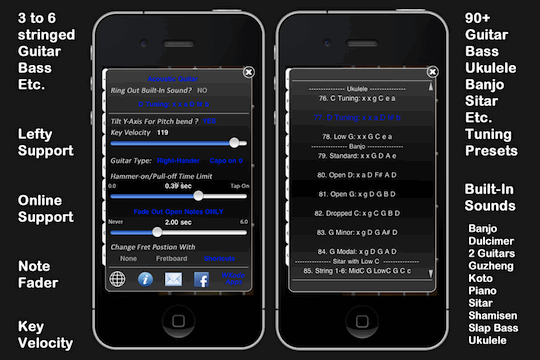
MIDI Fretboard Controller: With CoreMIDI, control MIDI-capable music apps on your PC/Mac/iPad/iPhone/iTouch: Garageband, Logic Pro, Ableton, Reason, Thumbjam, Animoog, Sunrizer, etc. View in iTunesMore Video |
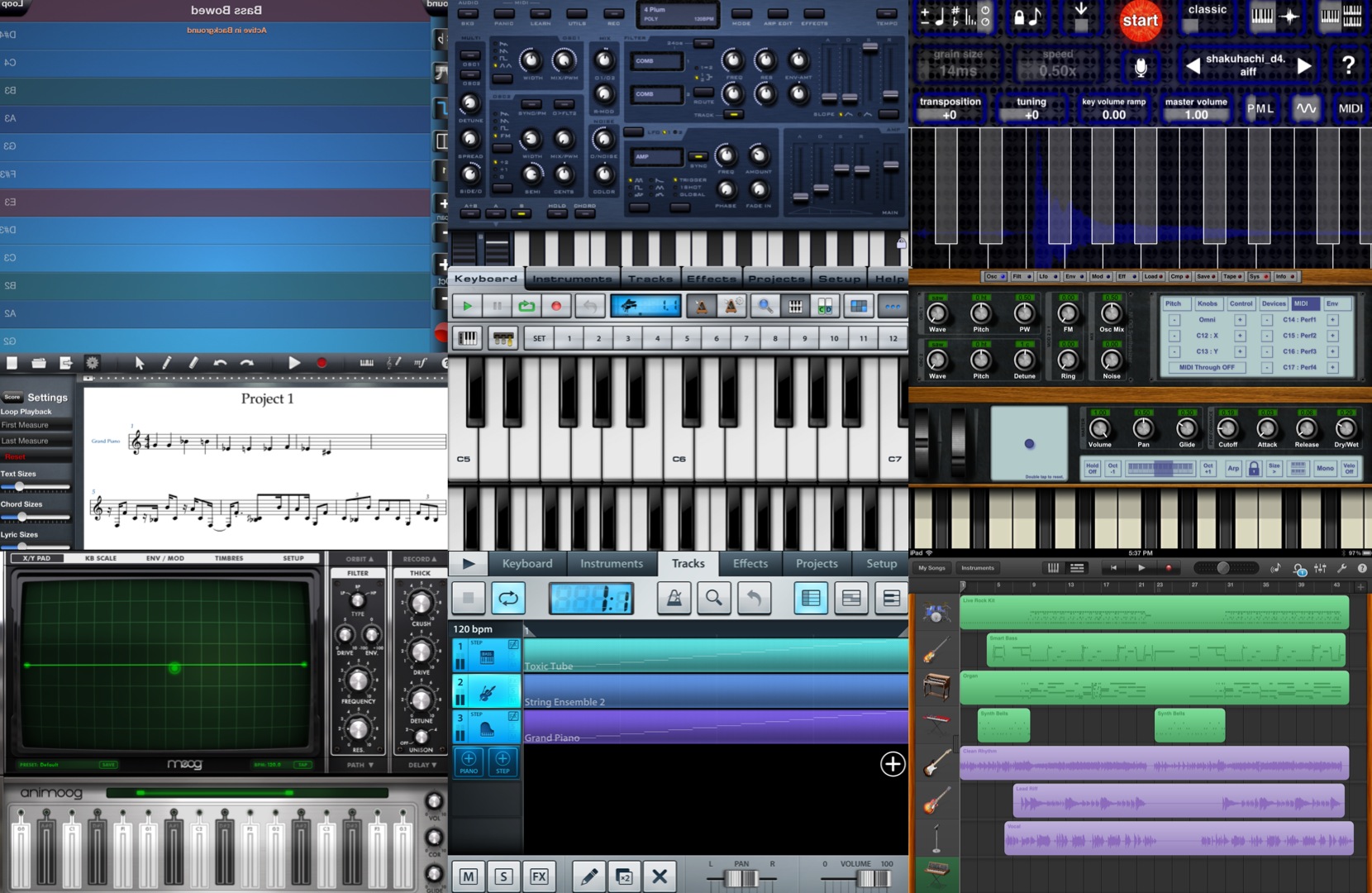
iOS Music Apps
PC/Mac Music Software
English Screenshots

Japanese Screenshots

MIDI Fretboard Version 2.0 Guide
MIDI Fretboard Version 1.4 Demo
Video Manual – ビデオガイド Version 1.5
The following are for version 1.5 and below.
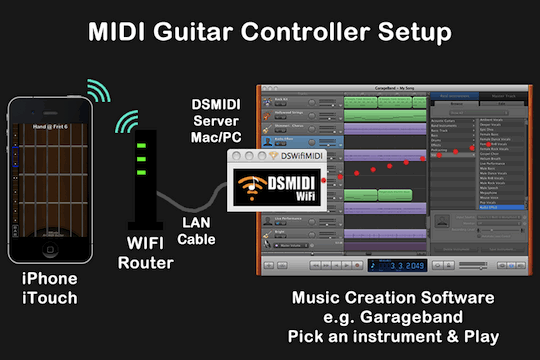
To control a computer – パソコンをコントロール
(1) Garageband, etc. – Garageband等ソフト
(2) Run DSMidiWifi server – DSMidiWifiサーバー Download
(3) PC users run LoopBe first – PCユーザーは先ずLoopBeが必要 Download
(4a) An WIFI router. Connect both the iPhone and the computer
パソコンはLANケーブルで無線ルーターにつないで、iPhoneをWIFIでつなぐ
(4b) Create a local network on the computer. Connect the iPhone.
パソコンでコーカル・ネットワークを作って、iPhoneをWIFIでつなぐ
*** Connect the computer with a LAN cable to optimize performance.
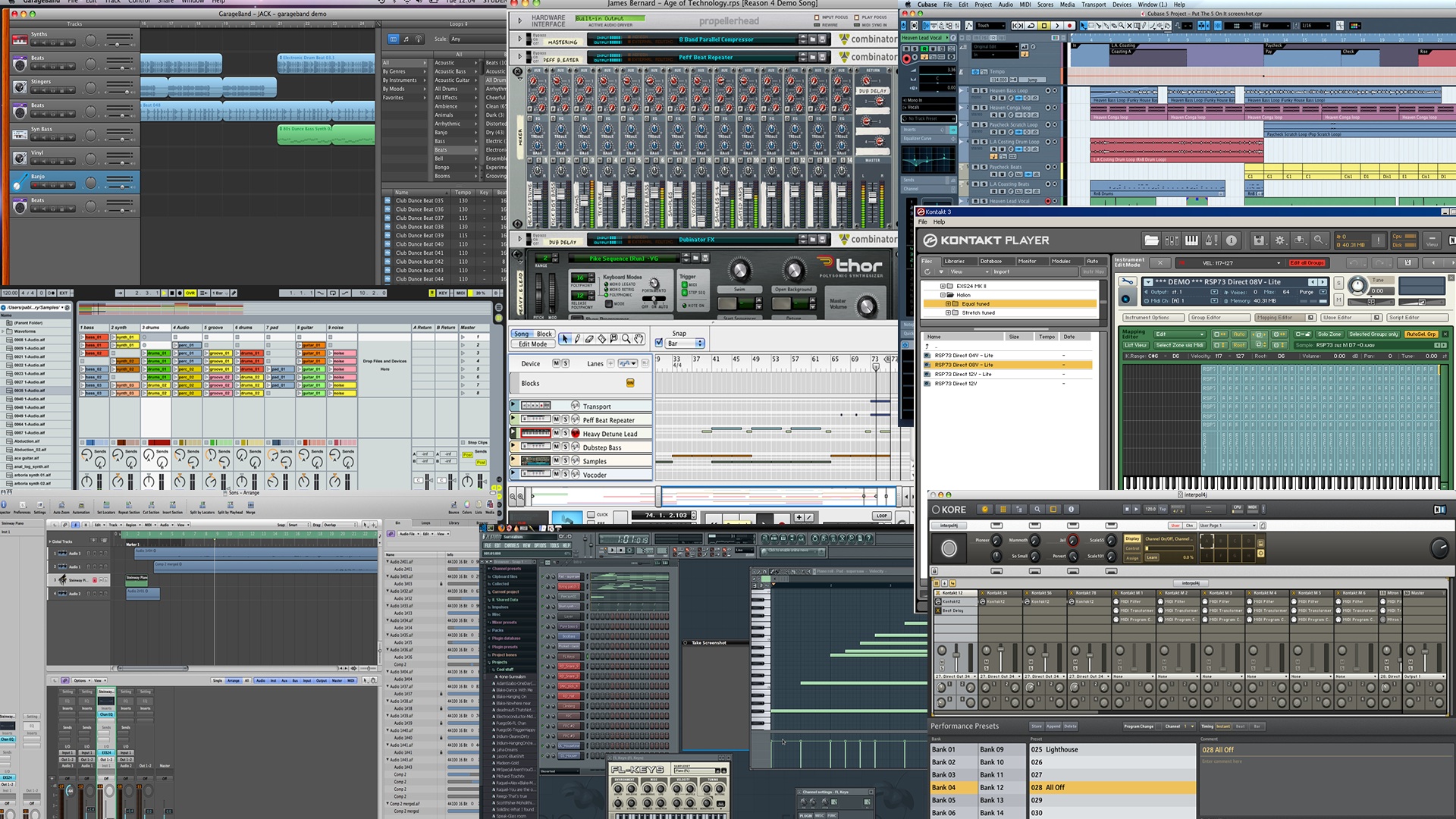
Free music creation software -無料のDAWソフト
– Garageband (included with with every Mac)
– MuTools FREE (MuLAB)
– Kontakt Player and Kore Player (Native Instruments)
– Ableton Live Trial (Ableton)
– Reason Trial (PropellerHead)
Excellent Paid music creation software. ♫ 有料のDAWソフト
– Logic Express or Pro (Apple’s flagship program)
– Ableton Live (Ableton)
– Reason (PropellerHead)
– Kontakt and Kore (Native Instruments)
Amazing Features
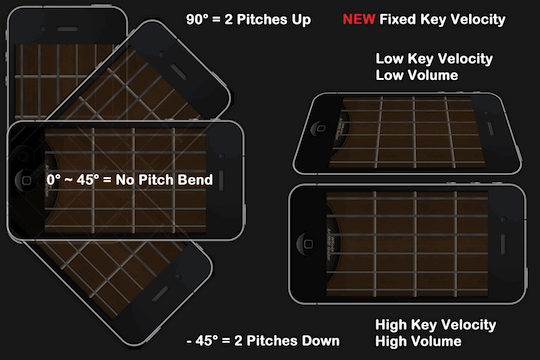
– Tilt up/down for Pitch Bend (Equivalent to whammy bar)
– Tilt left/right for key velocity (Simulates the strength with which you hit a key on the piano or a string on the guitar)
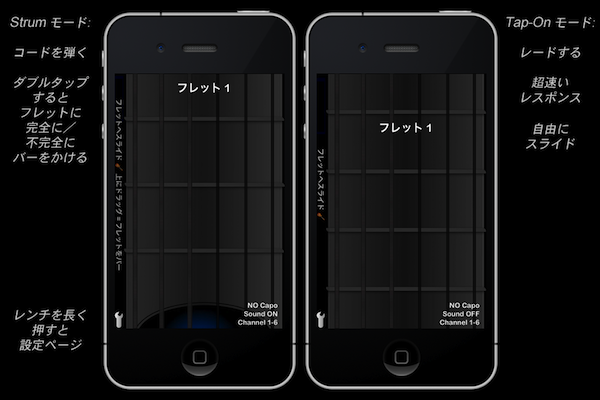
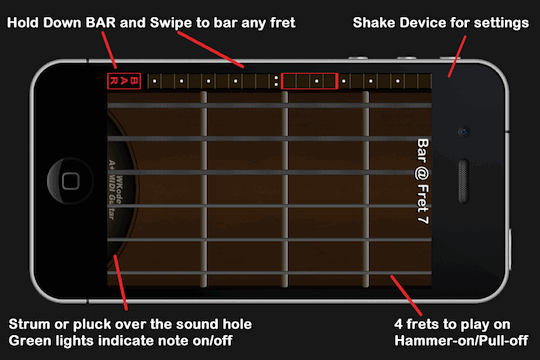
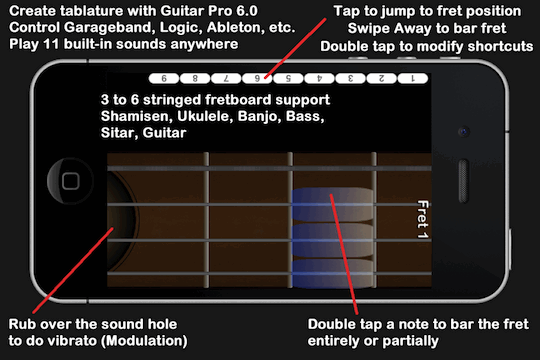
– Double tap a note to bar that fret entirely or partially
– Rub near the sound-hole to simulate vibrato (a.k.a Modulation)
– Hammer-ons and Pull-offs can be timed, enabled or disabled
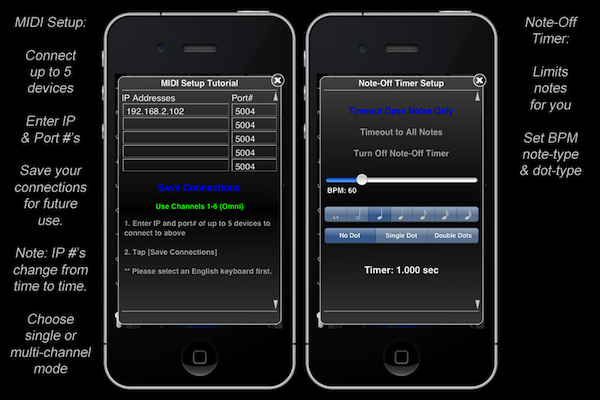
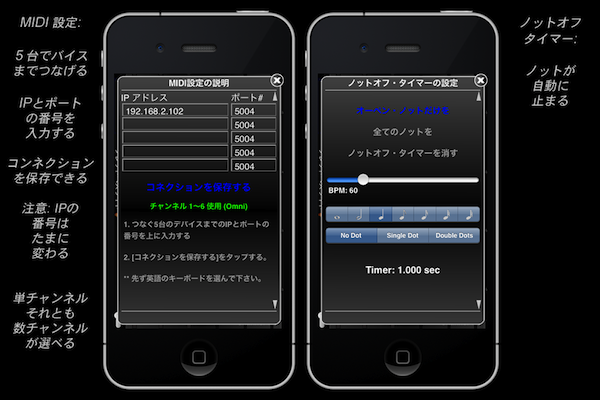
– Set a timer to fade out all notes or just the open string notes.
– Green lights indicate when a note is on/off
– Supports both left and right handers
– Apply a capo up to the 8th fret.
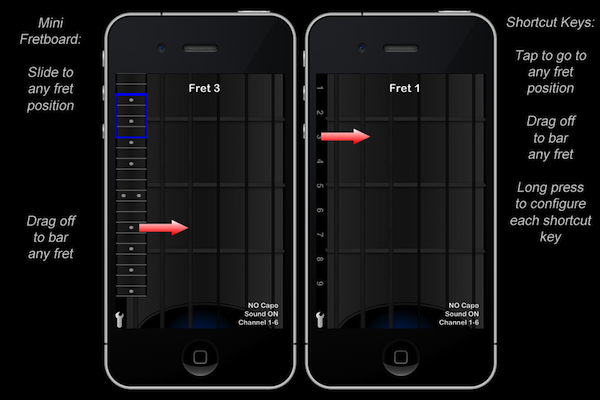
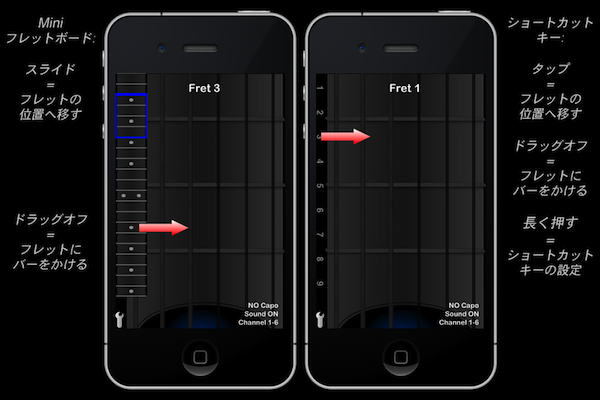
– Hold down the BAR icon and swipe your finger on the mini-fretboard to bar any fret on the guitar neck.
– Swipe your finger on the mini-fretboard to move to any fret position on the guitar neck.
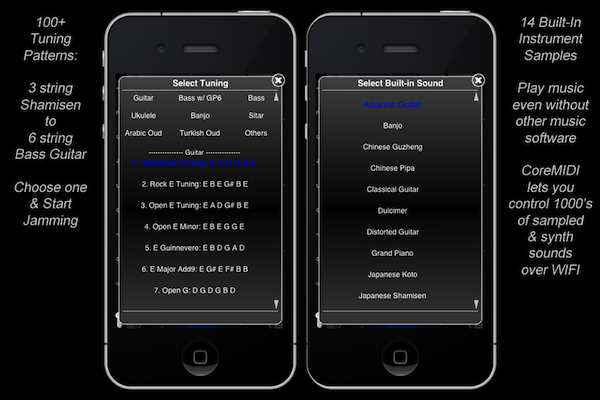
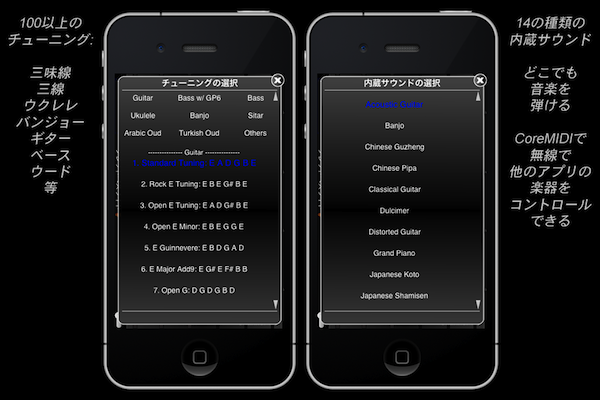
– Tune your guitar with 60+ tuning presets. Submit a tuning and I will include it in the next update.
特別な機能:
– ライトアップシステムはどんなノットがオンかオフか表示します
– ノットのフェードアウトタイマー(バイオリン、フルート等対応)
– カポ・システム (第八フレットまで)
– ミニフレットボードをスライドするとフレットの位置が変わります
– BARのボタンを押している間ミニフレットボードをスライドするとどのフレットにもバーをかけます。
– ノットをダブル・タップするとそのフレットを完全に/不完全にバーをかけます。
– 内蔵サウンド – アコースティックギター、クラシックギター、グランドピアノ、琴、三味線、ダルシマ 、インドのシター、中国の古箏(どこでも弾けます)
– 左手のサポート
– ビブラートのレベル (第一弦 = 一番高い, 第六弦 = 一番低い)
– 60個以上のチューニング・パターン (ウクレレ & バンジョーも)
Pingback: Pro Music Apps » Blog Archive » MIDI Fretboard Controller